Count shop stock and explain the differences.
A stocktake compares what is physically on the shelf with what your records say should be there. A repeatable count, a clear cutoff, and a reason for each correction make the result more useful than simply replacing a number.
How do you reconcile a stock count?
Choose a cutoff, capture expected quantities, count the same products and units, investigate differences, then record only the explained changes. In StockHale, the adjustment quantity is the difference: counted stock minus expected stock. Keep the count sheet with your notes and review the item’s history after posting.
Step by step
- 01
Prepare the count
Choose a quiet period and pause stock movements if possible. If sales or deliveries continue, record them against a clear cutoff and reconcile them separately. List product identifiers and units so similar items are not confused.
- 02
Count physical units
Count each shelf or storage area once. Separate damaged or returned stock and decide its treatment before recording the final usable quantity. Recount any surprising result with another team member where practical.
- 03
Investigate the difference
Compare the count with current recorded stock. Check missing purchases, posted sales, returns, duplicate entries, and unit conversion mistakes. Correct a transaction error through its own workflow when that explains the difference.
- 04
Record and review an adjustment
For a genuine unexplained quantity difference that has been reviewed, use Inventory → Stock adjustment. Enter the signed change, count date, and a specific reason. Check the product’s updated quantity and movement history.
Expected 20, counted 18
Illustrative sample: no transactions occurred between the expected-stock snapshot and the physical count.
| Recorded quantity | Physical count | Adjustment |
|---|---|---|
| 20 pieces | 18 pieces | 18 − 20 = −2 pieces |
| 20 pieces | 23 pieces | 23 − 20 = +3 pieces |
| 20 pieces | 20 pieces | 0: no adjustment needed |
See the product workflow
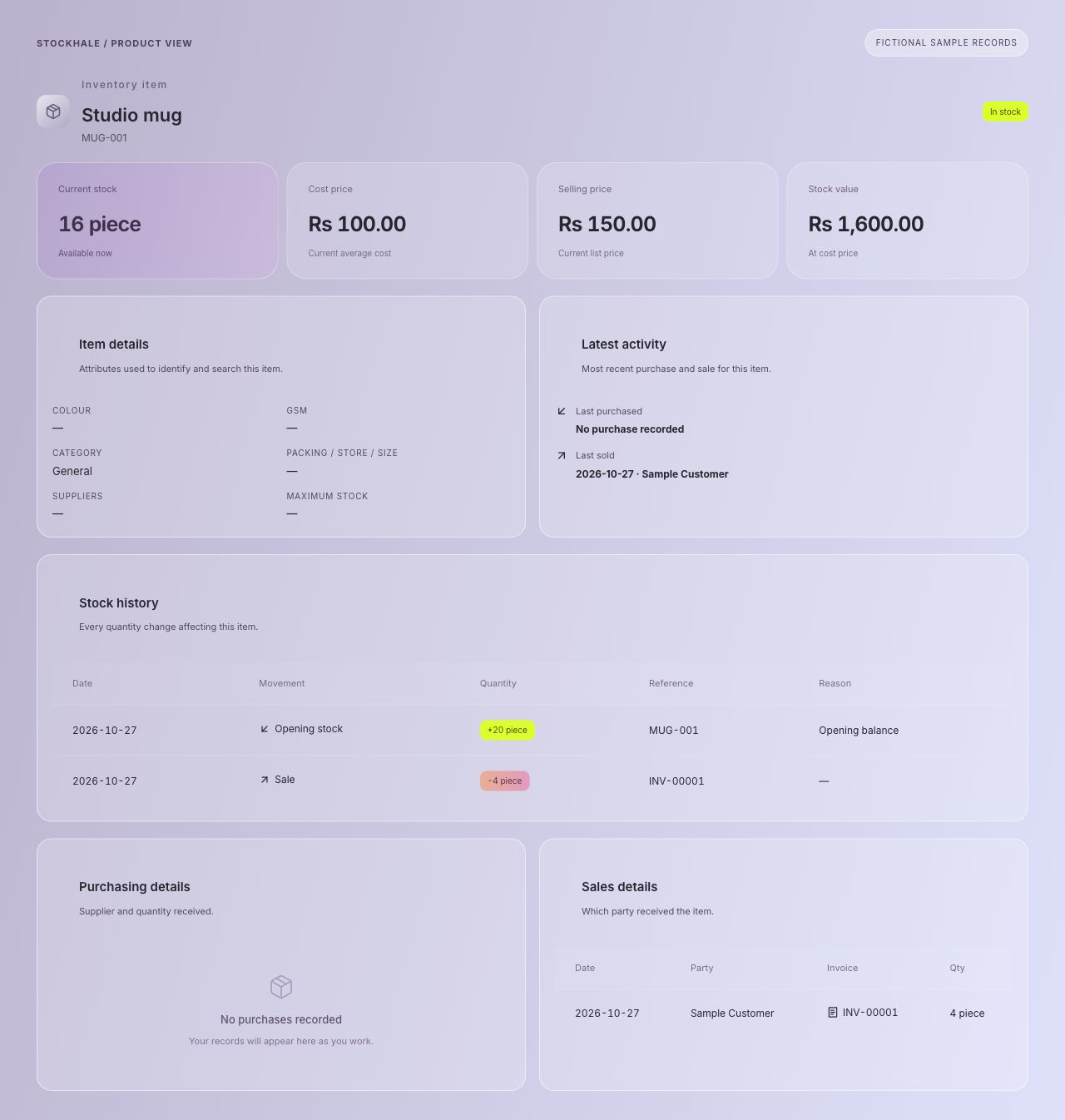
Check the details that matter.
- Use counted minus expected, rather than entering the final count in the quantity-change field.
- Keep the same unit on the count sheet and product record.
- Investigate missing transactions before making a quantity-only adjustment.
- Keep the original expected quantities, counts, reasons, date and reviewer.
A few useful distinctions.
Does StockHale have a dedicated stocktake scanning session?
This guide uses the existing product, stock adjustment, and history screens. It does not assume a separate automated counting or approval module.
Where can I get a count sheet?
Use the downloadable stocktake workbook linked below. Its difference formulas help calculate proposed adjustments; review them before recording changes in StockHale.